01
Understand performance
Fast, comparable Search Console views with coverage, segmentation, and the detail needed to explain movement.
Explore analytics
The operating system for organic search
ConsoleKit turns Google Search Console into a clear loop: understand performance, find the signal, investigate the evidence, monitor the work, and report what happened.
Read-only connection · Choose a property · Start with a governed overview
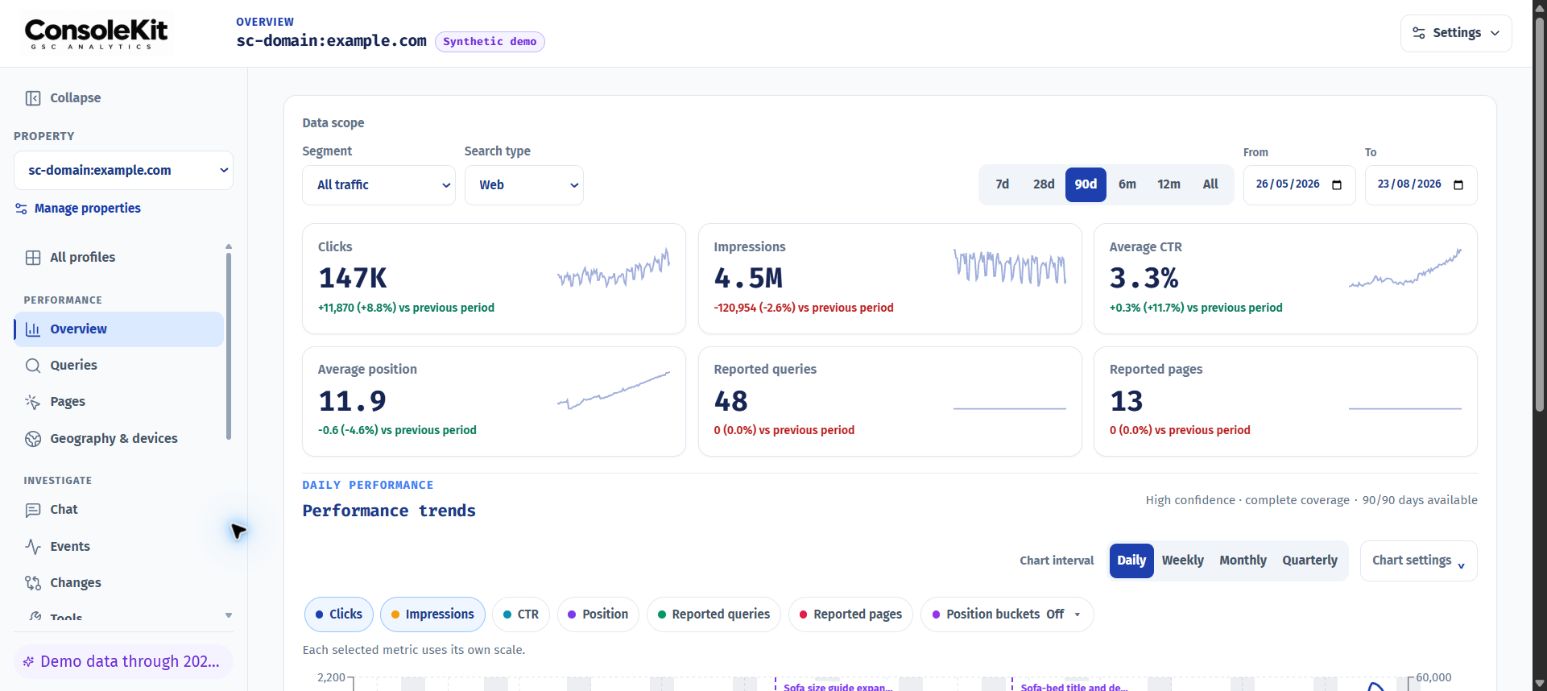
One evidence loop
ConsoleKit keeps the numbers, the investigation, the work, and the result connected—so each decision has a traceable reason behind it.
Fast, comparable Search Console views with coverage, segmentation, and the detail needed to explain movement.
Explore analyticsAn evidence-backed Events feed surfaces breakthroughs, opportunities, decay, and risk without manufacturing a story.
Explore EventsWatch the live page and inspect meaningful content, technical, link, and crawl changes in one private history.
Explore monitoringDraft and refine content with locked GSC queries, page context, metadata, revisions, and reviewable AI assistance.
Explore ContentBuild client-ready live or frozen dashboards that preserve exact dates, comparisons, and author-supplied context.
Explore reportingContinuous analysis
Events turns daily performance into a short queue of explainable changes. Each card shows the metric movement, entity, confidence, and a sensible next investigation.
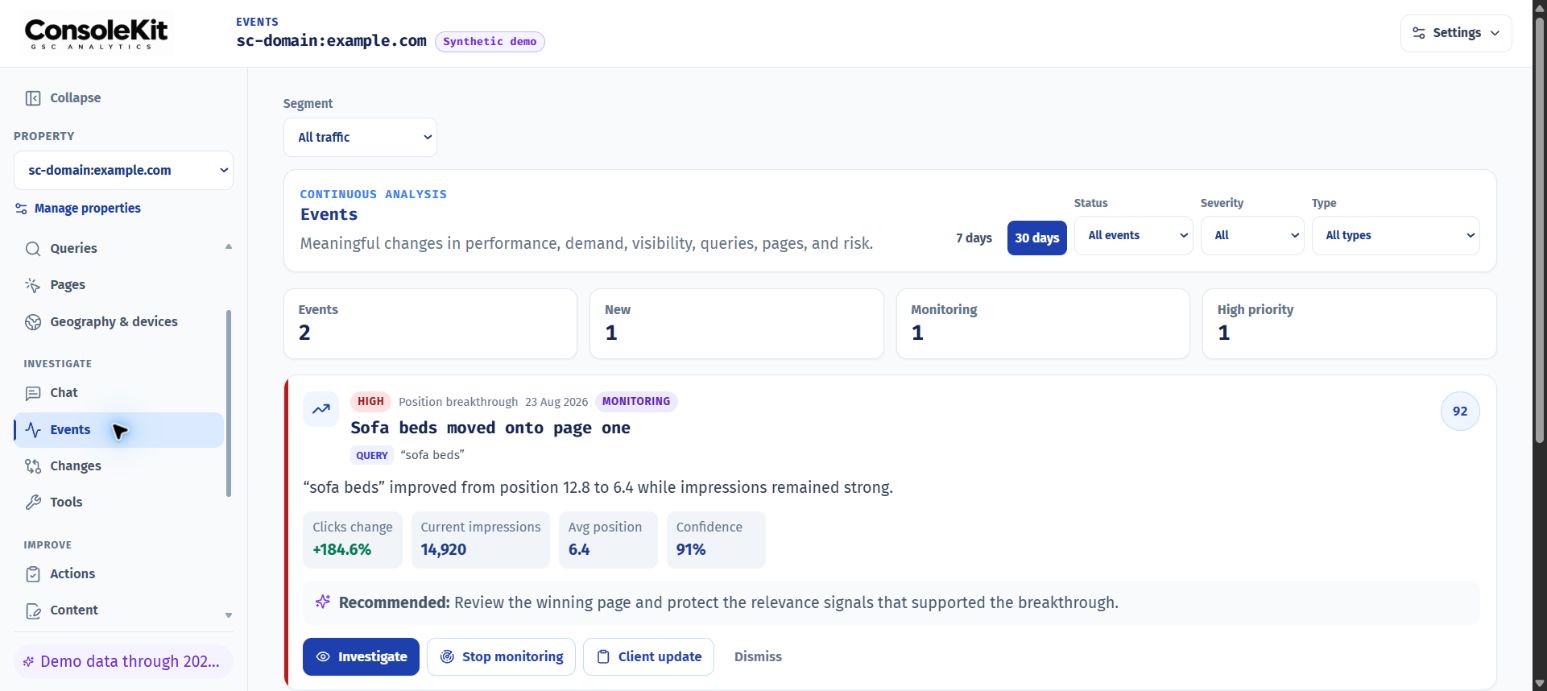
What useful analysis looks like
ConsoleKit keeps the handoff visible: start with the movement, open the evidence, then leave with a next step the team can measure.
“Position breakthrough” enters the review queue.
Open the affected query, page, cohort, and date range.
Capture the decision, content work, or measurement plan.
From signal to result
Every stage uses the same property, date range, and governed evidence. No copying the conclusion into a tool that cannot show where it came from.
Review the meaningful performance change.
Open the affected query, page, or cohort.
Preserve the recommendation and implementation.
Wait for complete post-change evidence.
Publish the story with context and caveats.
Built for the people doing the work
Keep performance, launches, implementation notes, and reporting in one shared history.
Move across properties and bundles, then publish focused client views without exposing the workspace.
Turn search evidence into a focused content draft, implementation note, and credible measurement plan.
Private by default
Read-only Google accessConsoleKit analyses Search Console data; it does not change your property or website.
Explicit publishingPublic dashboards expose only the view you intentionally publish.
Clear tenant boundariesWorkspaces and property permissions keep each team’s data in the right place.
Start with the data you already have
ConsoleKit helps you find it, explain it, act on it, and keep the result.
Connect Google Search Console